Once you have your Google Analytics ID stored in your platform, you can start creating Custom Definitions to add to your reports and dashboards.
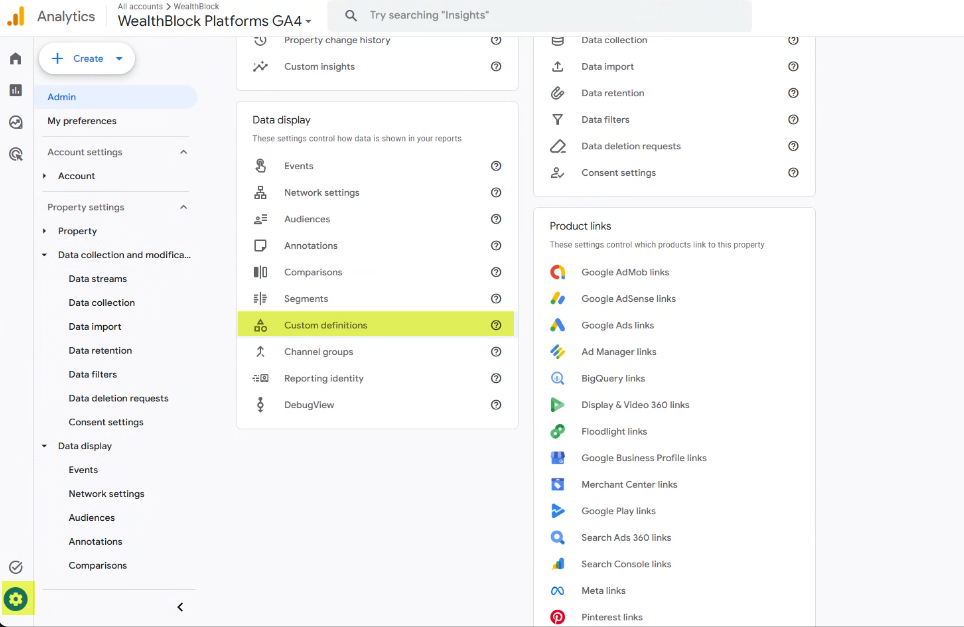
To begin, you will need to access the admin menu, and select Custom Definitions:
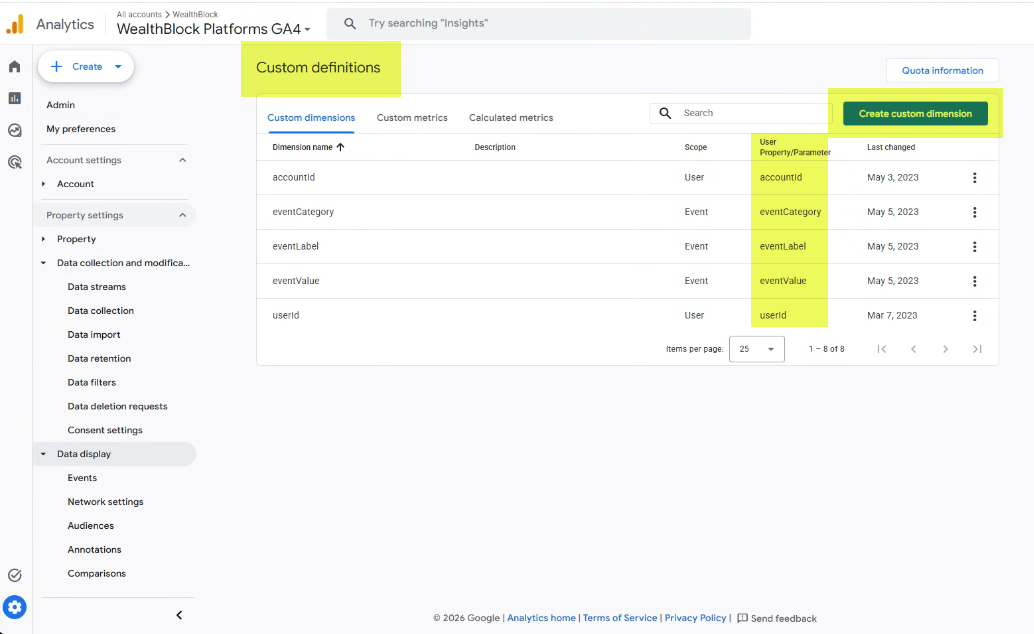
You will then need to add the following dimension, using the properties/parameters shown in the following screenshot:
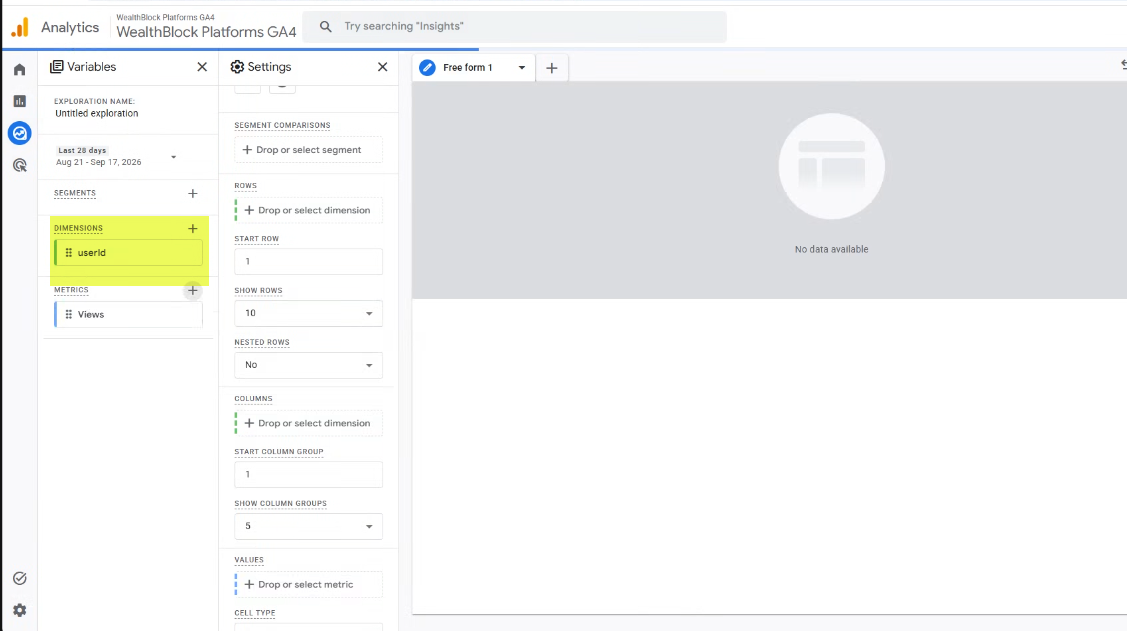
Once these have been saved, you will see them available in the list of dimensions in your reports:
Was this article helpful?
That’s Great!
Thank you for your feedback
Sorry! We couldn't be helpful
Thank you for your feedback
Feedback sent
We appreciate your effort and will try to fix the article